
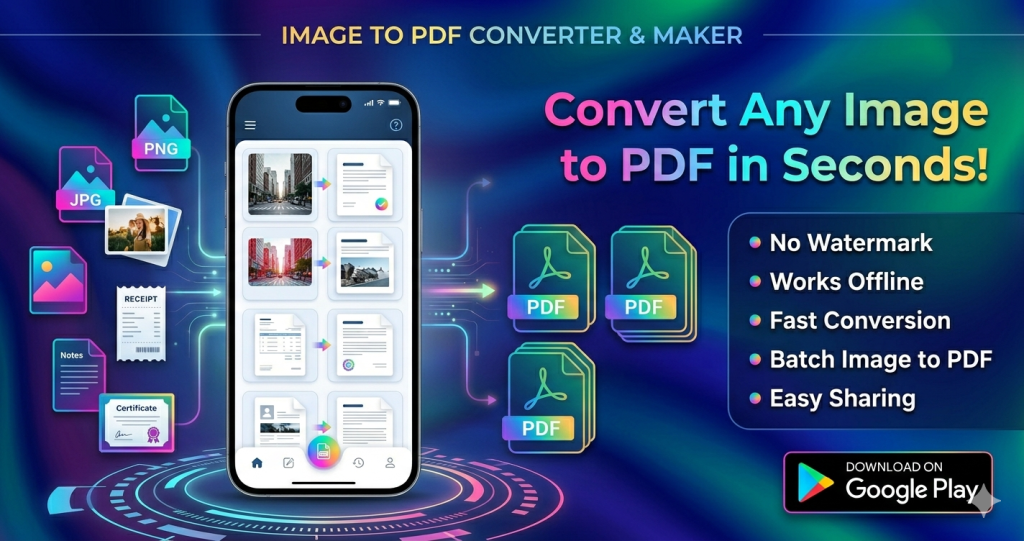
The Best Free PDF Maker App for Android — No Watermark, Works Offline
Download Now on Google Play: Image to PDF Converter & Maker
What Is Image to PDF Converter & Maker?
If you’ve ever needed to convert a photo, scan, or gallery image into a clean, shareable PDF file right from your Android phone, you know how frustrating most apps can be — slow, filled with ads, or slapping a watermark on every document. Image to PDF Converter & Maker changes all of that. This free Android app is the ultimate image to PDF converter, photo to PDF maker, and offline PDF creator — all in one lightweight, easy-to-use tool.
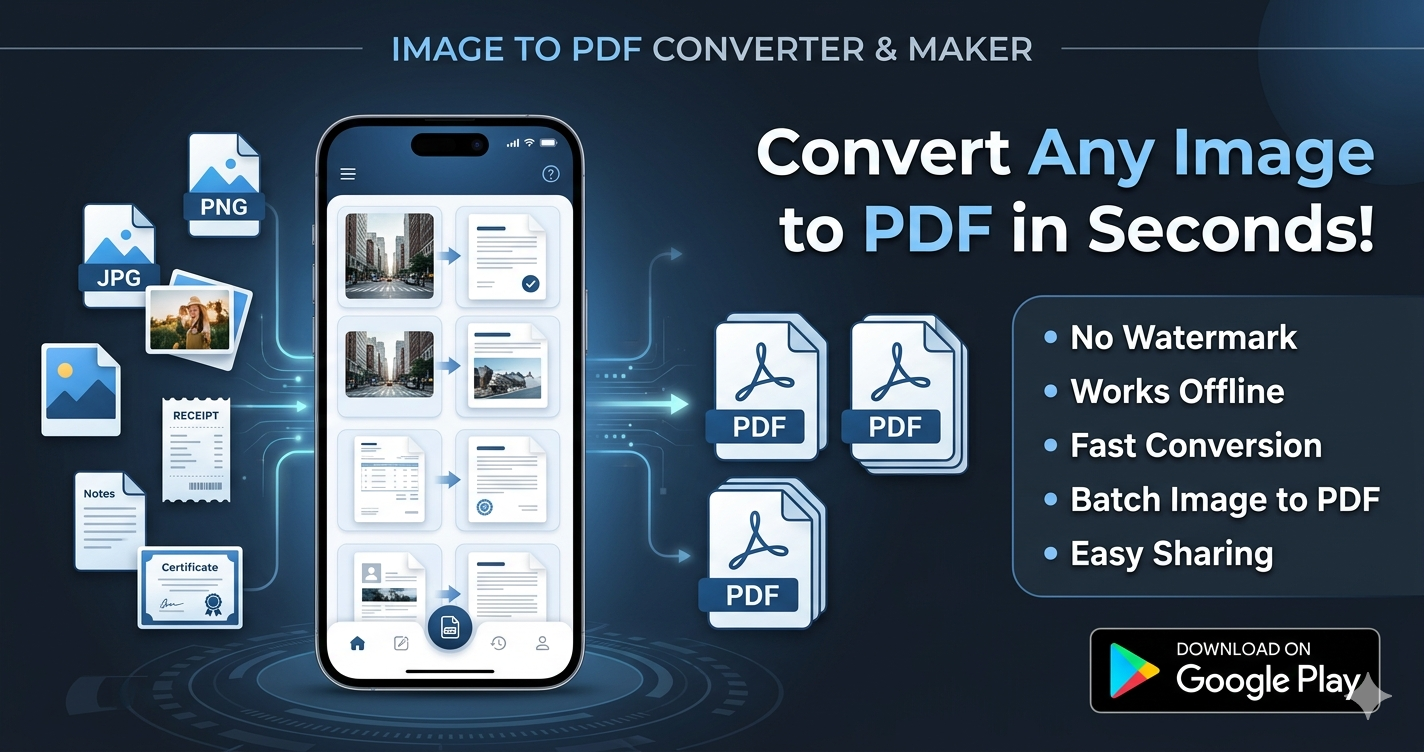
Whether you’re a student scanning handwritten notes, a professional converting invoices and receipts, or someone who just needs to turn pictures into PDF quickly, this app delivers. With no watermarks, no internet connection required, and support for JPG to PDF, PNG to PDF, and batch image conversion, it’s the only PDF maker app you’ll ever need on Android.
Why You Need a Reliable Image to PDF App
In today’s fast-moving world, paperless document management is a must. From submitting assignments and business proposals to storing ID cards, certificates, and legal documents, converting images to PDF is one of the most common mobile tasks. Yet most apps fail users with:
- Intrusive watermarks on every exported file
- Mandatory internet uploads that risk your privacy
- Limited formats — only JPG, not PNG, BMP, or JPEG
- Poor editing tools before conversion
- Cluttered interfaces that slow you down
Image to PDF Converter & Maker eliminates every one of these pain points. It’s a 100% free PDF converter with no hidden fees, built specifically for Android users who demand speed, privacy, and quality.
Key Features of Image to PDF Converter & Maker
Here’s what makes this app the top-rated choice for Android users searching for a reliable PDF maker and image converter:
1. Convert Any Image to PDF — JPG, PNG, JPEG & More
The app supports all major image formats. Whether you need JPG to PDF, PNG to PDF, JPEG to PDF, or even BMP files, this picture to PDF converter handles it all in seconds. Simply select your image from the gallery and tap convert — your professional PDF file is ready instantly.
2. Photo to PDF — Use Your Camera Directly
Turn your Android phone into a portable document scanner. With the built-in camera scan to PDF feature, you can photograph receipts, invoices, forms, ID cards, certificates, whiteboards, business cards, and handwritten notes, then instantly convert photos to PDF without any extra steps. It’s the fastest scan to PDF experience on Android.
3. Batch Image to PDF Conversion
Why convert one image at a time when you can do them all at once? The batch image to PDF feature lets you select multiple images simultaneously and merge them into a single, organized PDF document. Perfect for multi-page assignments, project portfolios, or collections of receipts.
4. Edit Before You Convert — Crop, Resize & Rotate
Get pixel-perfect PDFs every time. Before converting, you can crop, resize, and rotate your images for a polished, professional finish. Whether it’s straightening a scanned document or removing unwanted borders from a photo, the built-in image editor gives you full control over your PDF output quality.
5. No Watermark — Clean, Professional PDFs
Your documents deserve to look professional. Unlike many free apps that stamp their branding on every export, Image to PDF Converter & Maker produces 100% watermark-free PDFs. Every file you create is clean, polished, and ready to share or print — no strings attached.
6. 100% Offline PDF Converter — Your Files Stay Private
Privacy matters. This offline PDF converter never uploads your files to external servers. Everything happens locally on your device, meaning your personal documents, ID cards, financial records, and sensitive images remain completely private. No login, no cloud, no risk — just a secure, fast PDF file converter you can trust.
7. Sort, Manage & Organize Your PDF Files
Keep your documents tidy with smart PDF management. Sort files in ascending or descending order by name, size, or date. The built-in PDF organizer makes it easy to find, rename, or delete files. Open any PDF with your preferred viewer, check storage location, or remove it from the list in one tap.
8. Easy Sharing via Email, Bluetooth & Social Apps
Share your converted PDFs instantly via WhatsApp, Gmail, Bluetooth, Google Drive, or any other app. The PDF sharing feature works seamlessly with all major Android sharing options, making it the ideal document management app for students, professionals, and everyday users.
Who Should Use Image to PDF Converter & Maker?
This app is designed for anyone who works with documents on Android. Here are the most common use cases:
- Students: Scan and submit handwritten notes, assignments, and class documents as neat PDF files.
- Professionals: Convert invoices, receipts, contracts, and business cards into organized PDF archives.
- Freelancers: Create portfolio PDFs from images and send professional documents to clients instantly.
- Job Seekers: Compile certificates, ID cards, and credentials into a single, shareable PDF.
- Small Business Owners: Digitize forms, bills, and paperwork without expensive scanning hardware.
- General Users: Convert any photo or screenshot into a PDF for organized, shareable storage.
How to Use Image to PDF Converter & Maker — Step by Step
Getting started is incredibly simple. Follow these easy steps:
- Download the app — Click here to get it on Google Play
- Open the app and tap the “+” button to start a new PDF document.
- Select images from your gallery or take a new camera photo.
- Edit your images — crop, resize, or rotate for a professional look.
- Tap Convert — your PDF is created instantly with no watermark.
- Share, save, or organize your PDF directly from the app.
Image to PDF Converter & Maker vs Other PDF Apps
Not all PDF converters are created equal. Here’s how this app compares to typical alternatives:
- No Watermarks: Many free apps force watermarks unless you pay. This app is always watermark-free.
- Fully Offline: Competitors often require cloud uploads. This app converts everything locally.
- No Ads Interrupting Conversion: Convert without annoying ad interruptions blocking your workflow.
- Multi-Format Support: JPG, JPEG, PNG, BMP — all supported, unlike apps limited to one format.
- Free Forever: No subscription, no premium tier, no hidden fees — completely free PDF maker.
Try it free today — Download Image to PDF Converter & Maker on Google Play
FAQ
Q1: Is Image to PDF Converter & Maker completely free?
Yes, the app is 100% free with no hidden charges, subscription fees, or premium tiers. All features — including batch conversion, camera scanning, image editing, and PDF sharing — are available at no cost. There are no watermarks on your exported files, ever.
Q2: Does the app work without internet?
Absolutely. Image to PDF Converter & Maker is a fully offline PDF converter. All processing happens on your device, so you don’t need a Wi-Fi or mobile data connection to convert images, scan documents, or manage your PDF files. Your files are never uploaded to any server.
Q3: Which image formats are supported for PDF conversion?
The app supports all popular image formats, including JPG, JPEG, PNG, and BMP. Whether you’re converting a photo from your gallery or a freshly taken camera scan, the app handles it seamlessly as a photo to PDF converter.
Q4: Can I convert multiple images into a single PDF?
Yes! The batch image to PDF feature allows you to select multiple images at once and combine them into one organized PDF document. This is ideal for multi-page documents, reports, or collections of scanned pages.
Q5: Will my PDF have a watermark?
No. Every PDF created with this app is completely watermark-free. Your documents always look clean and professional, whether you’re sending them to a client, submitting an assignment, or storing personal records.
Q6: Can I edit my images before converting to PDF?
Yes. Before conversion, you can crop, resize, and rotate your images for a perfect PDF output. The built-in image editor ensures your scanned documents, photos, and pictures look exactly how you want them in the final PDF.
Q7: Is my data safe with this app?
Your privacy is fully protected. The app only requests Camera and Device Storage permissions, which are used solely to scan photos and save PDF files. No data is transmitted to any server. Your original images remain untouched, and all conversions happen locally on your device.
Q8: Can I share my converted PDFs directly from the app?
Yes. Once converted, you can instantly share your PDF files via email, WhatsApp, Bluetooth, Google Drive, and other social apps directly from within the app. The built-in sharing feature supports all major Android sharing options for maximum convenience.
Q9: What types of documents can I scan and convert?
You can scan and convert virtually any physical or digital document, including notes, receipts, invoices, forms, business cards, ID cards, certificates, whiteboards, handwritten letters, and more. The camera scan feature makes it easy to digitize documents on the spot.
Q10: How do I download Image to PDF Converter & Maker?
You can download the app for free directly from the Google Play Store. Click here to download Image to PDF Converter & Maker and start converting images to PDF in seconds.
Final Verdict: The Best Free Image to PDF App for Android
Image to PDF Converter & Maker is the complete solution for anyone who needs a fast, reliable, and private way to convert images to PDF on Android. With support for JPG to PDF, PNG to PDF, batch conversion, camera scanning, and full offline operation, it outperforms every competitor in its category.
There are no watermarks, no subscriptions, no data uploads, and no compromises. Whether you’re a student, professional, freelancer, or everyday Android user, this app simplifies your document workflow from the very first tap.
Ready to go paperless?
Download Image to PDF Converter & Maker — FREE on Google Play